Setting up automation might feel overwhelming at first, but the process becomes simple once you understand the basic components. Whether you use Airbnb's native tools or a property management system, the fundamental approach stays similar.
Start simple with a few essential messages, then expand as you get comfortable with the system. You don't have to automate everything on day one.
Step 1: Choose Your Automation Tool
Airbnb's built-in Scheduled Messages feature provides basic automation at no extra cost. You access it through your Inbox by selecting "Scheduled Messages" from the menu. This tool works well if you manage one or two properties and don't require advanced features like AI-powered responses or multi-platform management.
Property management software like Hostaway, Guesty, or Hospitable offers more sophisticated automation. These platforms can manage messages across multiple booking channels (Airbnb, Booking.com, Vrbo), use AI to respond to guest questions automatically, and provide more control over message timing and conditions.
Think about your specific situation: How many properties do you manage? Do you list on multiple platforms? Do you want AI help for handling unique guest questions? Your answers will point you toward the right tool.
Step 2: Create Message Templates for Each Stage
Write clear, friendly messages for each stage of the guest journey. Start with the essentials: booking confirmation, check-in instructions, mid-stay check-in, checkout reminder, and review request.
Each template balances completeness with brevity. Include all necessary information without overwhelming guests with excessive details. Use a warm, welcoming tone that reflects your property's personality while staying professional.
Save your templates in a document before entering them into your automation tool. This makes editing much easier. You can also reuse templates across multiple properties with minor adjustments for property-specific details.
Step 3: Set Up Triggers and Timing
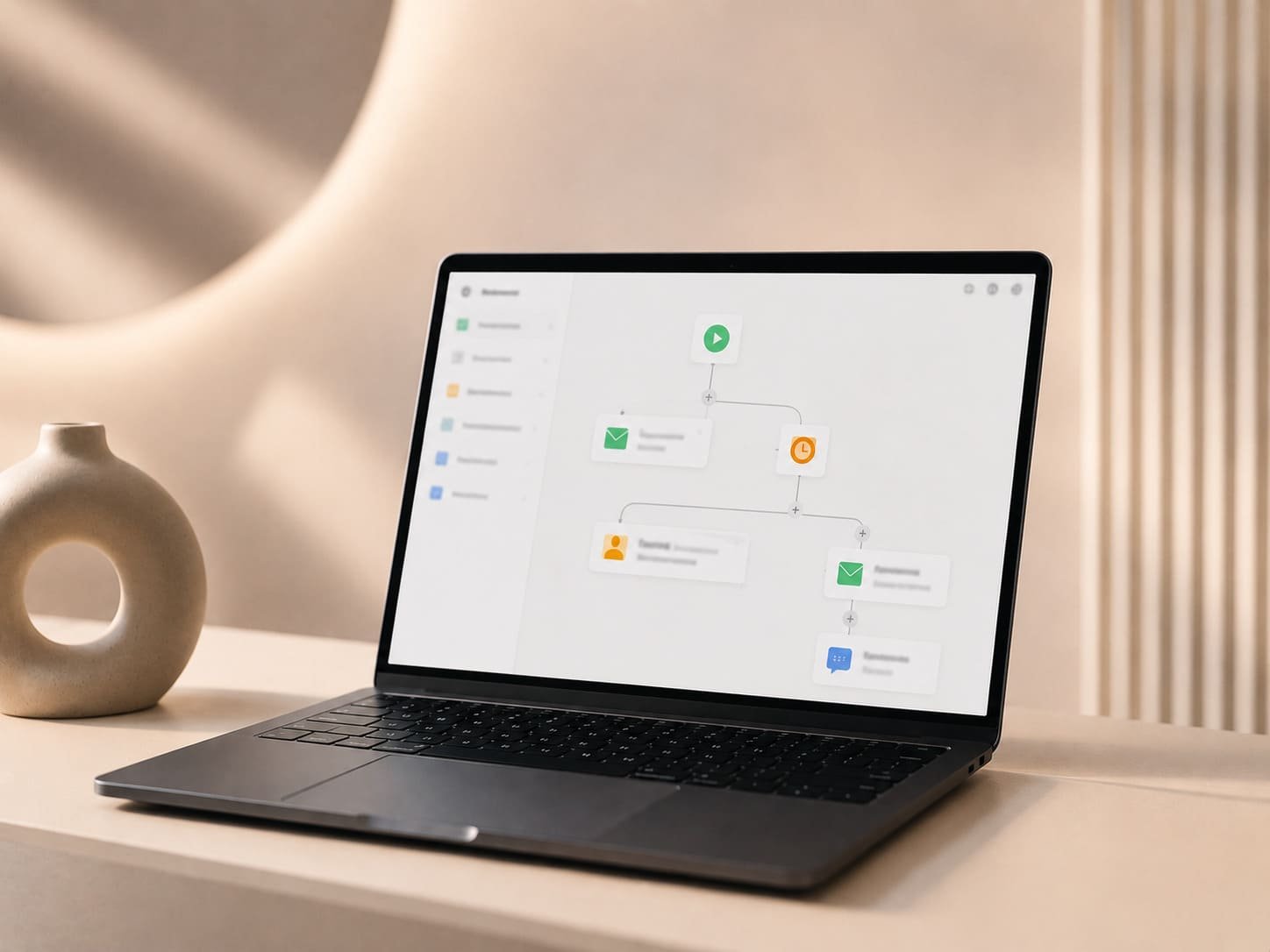
Triggers are events that automatically send your messages. Common triggers include "new booking created," "X hours before check-in," "X hours after check-in," and "X hours before checkout." Most automation tools offer standard triggers, though more advanced systems provide additional options.
Timing matters more than you might think. Send check-in instructions early enough that guests can read them before arriving, but not so early that they forget the details. A message sent 3-4 hours before check-in typically works well. Similarly, send your mid-stay check-in after guests have settled in (usually 24 hours after arrival) but while there's still time to address issues.
You might find that your typical guest prefers receiving check-in instructions the evening before arrival rather than the day of, especially for properties in Prague where international travelers may have limited data access when they land.
Step 4: Personalize with Guest Variables
Variables (sometimes called "shortcodes" or "merge tags") automatically insert guest-specific information into your templates. Common variables include guest name, check-in date, check-out date, property address, and confirmation code.
Using variables makes automated messages feel personal rather than robotic. "Hi Sarah, welcome to Prague!" sounds warmer than "Hi guest, welcome to Prague!" Most automation tools provide a list of available variables you can insert into your messages.
Some advanced systems can adjust message content based on guest characteristics. For example, you might send different local recommendations to families versus business travelers, or provide more detailed Prague navigation tips to first-time visitors.
Step 5: Test and Refine Your Messages
Before activating automation for real guests, send test messages to yourself or a colleague. Check that variables populate correctly, links work, and message timing makes sense.
After launching your automation, monitor guest responses and reviews for feedback about your communication. If multiple guests ask the same question, your automated messages might be missing important information. If guests mention feeling overwhelmed by messages, you may be sending too many or making them too long.
Treat automation as an evolving system rather than a "set it and forget it" solution. Seasonal changes, property updates, or new local regulations in Prague may require adjusting your message content periodically.
Airbnb Automated Message Templates You Can Use Today
Effective templates balance providing essential information with maintaining a friendly, welcoming tone. The examples below cover the most important touchpoints in the guest journey and can be adapted to your specific property and communication style.
Customize these templates with your property's unique details, your personal hosting style, and any specific information relevant to your Prague location.
Booking Confirmation Message Template
When to send: Immediately after booking is confirmed
> "Hi \{\{guest_name\}\}, thank you for booking \{\{property_name\}\}! We're excited to host you in Prague from \{\{check_in_date\}\} to \{\{check_out_date\}\}. You'll receive detailed check-in instructions a few hours before your arrival. In the meantime, feel free to reach out if you have any questions about the property or the neighborhood. Looking forward to your stay!"
Pre-Check-In Reminder Template
When to send: 2-3 days before check-in
> "Hi \{\{guest_name\}\}, your stay at \{\{property_name\}\} is coming up soon! We wanted to confirm your arrival time on \{\{check_in_date\}\}. Check-in is available from 3:00 PM. If you're arriving earlier, we're happy to store your luggage. Please let us know your estimated arrival time so we can make sure everything is ready. You'll receive detailed check-in instructions on the day of your arrival."
Check-In Instructions Template
When to send: 3-4 hours before check-in time
> "Hi \{\{guest_name\}\}, welcome to Prague! Your apartment is ready at \{\{property_address\}\}. To access the building, enter code 1234 on the keypad at the main entrance. Your apartment is on the 3rd floor, and the door code is 5678. Wi-Fi network: \{\{wifi_name\}\}, Password: \{\{wifi_password\}\}. We've left a welcome guide in the apartment with local recommendations and important information. If you need anything during your stay, please don't hesitate to reach out. Enjoy your time in Prague!"
Mid-Stay Check-In Template
When to send: 24-36 hours after check-in
> "Hi \{\{guest_name\}\}, we hope you're enjoying your stay at \{\{property_name\}\} and exploring Prague! We wanted to check in and make sure everything is comfortable. If you need anything or have any questions, please let us know, we're here to help. Have a wonderful rest of your stay!"
Check-Out Instructions Template
When to send: Evening before checkout day
> "Hi \{\{guest_name\}\}, we hope you've had a wonderful stay in Prague! Just a reminder that checkout is at 11:00 AM tomorrow. Before you leave, please turn off all lights and appliances, and leave the keys in the lockbox using the same code you used to retrieve them. If you require a later checkout, let us know and we'll do our best to accommodate. Safe travels!"
Review Request Template
When to send: 2-3 hours after checkout
> "Hi \{\{guest_name\}\}, thank you for staying with us! We hope you had a fantastic time in Prague. We'd really appreciate it if you could take a moment to leave a review about your experience. Your feedback helps us improve and helps future guests know what to expect. We've left you a five-star review as well. Hope to host you again soon!"
Automation Tools for Airbnb Guest Messaging
The right automation tool depends on your property portfolio size, technical comfort level, and budget. Each option offers different features and capabilities, so understanding what's available helps you make an informed choice.
You're not locked into your initial choice: many hosts start with basic tools and upgrade as their operations grow. The important thing is starting with automation rather than waiting for the perfect solution.
Airbnb's Built-In Scheduled Messages
Airbnb's native scheduling feature provides a simple way to automate basic messages without additional software or costs. You can create messages for key events like new bookings, check-in, and checkout, and personalize them using Airbnb's shortcodes for guest names, dates, and property details.
The main limitation is that Airbnb's tool only works for Airbnb bookings: if you list on multiple platforms, you'll set up separate automation for each. The system also lacks advanced features like AI-powered responses to guest questions or sophisticated conditional logic.
However, for hosts managing a single Airbnb property or just starting with automation, this free tool offers enough functionality to handle essential communication. You can access it directly from your Airbnb Inbox under the "Scheduled Messages" section.
Property Management Software Solutions
Dedicated property management systems offer comprehensive automation that extends beyond basic scheduled messages. These platforms typically include AI assistants that can respond to common guest questions automatically, unified inboxes that manage messages across multiple booking platforms, and advanced scheduling rules based on guest characteristics or booking details.
Popular options include Hospitable, Hostaway, Guesty, and Uplisting. Most charge monthly fees based on the number of properties you manage, typically ranging from €20-100+ per property. While this represents an additional expense, the time savings and improved guest experience often justify the cost, especially for hosts managing multiple properties.
Property management companies like Evacanza use professional-grade PMS tools to coordinate all aspects of property operations, from guest communication to cleaning schedules and maintenance tracking.
If you plan to expand your rental portfolio, selecting a tool that easily accommodates additional properties saves you from switching systems later.
<CtaBox title="Rather not manage message templates yourself?" body="Evacanza handles all guest messaging for the Airbnb properties we manage in Prague, from the first enquiry through checkout, so there's no scheduling or shortcodes for you to maintain." source="how-to-set-up-automated-airbnb-messages" linkText="Talk to us about your property" />