Managing guest messages for your property (on Airbnb, Booking.com, Tripadvisor, or any other platform) means answering the same questions dozens of times each week. Check-in instructions, Wi-Fi passwords, house rules, checkout procedures. Most hosts spend hours every week writing variations of the same messages to different guests.
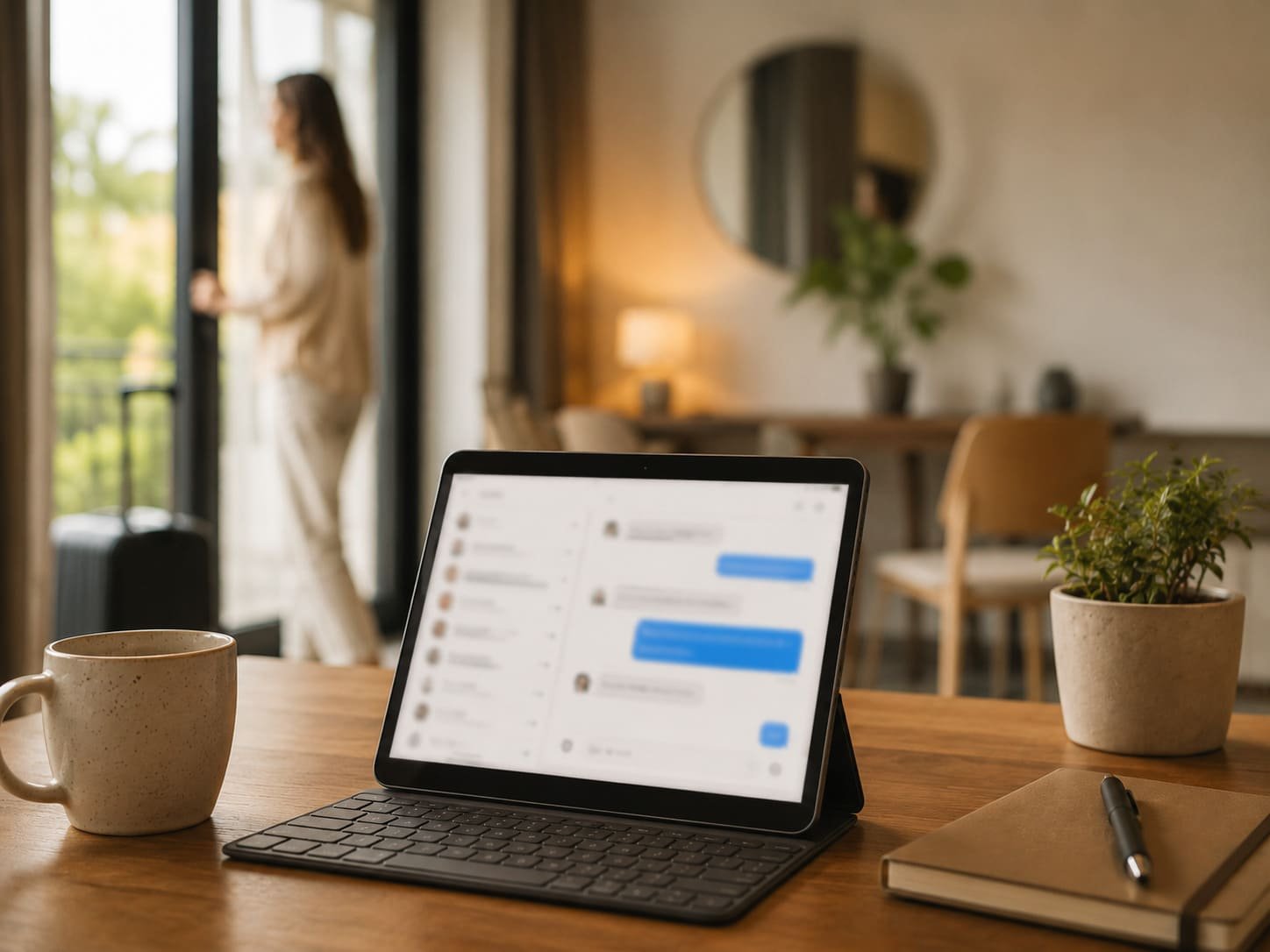
Automation handles this repetitive communication for you: sending pre-defined messages at specific times or when certain events occur, like a new booking or an upcoming check-in.
Why Automate Guest Communication?
Automating guest communication means using software to send pre-written messages at set times or when certain triggers are activated. You can set this up via Airbnb's built-in Scheduled Messages feature, or through a property management system (PMS) that connects to your account and offers more advanced options.
The concept is simple: write the message once, set when it goes out, and the system handles the rest. Instead of typing "Here's the Wi-Fi password..." twenty times a month, you create one template that automatically sends to every guest on check-in day.
Save Time on Repetitive Tasks
Most of what you communicate to guests follows the same pattern: booking confirmation, check-in details, house rules, checkout instructions. Writing each message individually takes hours every week: time you could spend optimising your listing or managing maintenance.
Once you've set up your templates and triggers, the system runs in the background without daily attention.
Respond Faster and Earn Better Reviews
Guests on Airbnb expect quick responses, particularly around booking and check-in. Hosts who respond within an hour are significantly more likely to secure a booking. But manually checking your inbox every hour isn't realistic for most property owners.
Automated messages can acknowledge an enquiry at 2 AM or send check-in instructions precisely when guests need them. This responsiveness shows up in reviews: guests regularly mention communication quality in their ratings.
Consistent Experience for Every Guest
When writing messages manually, details occasionally slip through. You might forget to mention parking to one guest, or quiet hours to another. These gaps create confusion and sometimes negative reviews.
Automation ensures every guest receives the same complete information at the right moment.
When to Schedule Messages
The guest journey begins with the first enquiry and ends with the review left after checkout. Each stage offers an opportunity for automated communication that improves the experience and reduces your workload.
Pre-Arrival and Check-In Instructions
A pre-arrival message sent 2–3 days before check-in serves as a helpful reminder and opens space for last-minute questions. Confirm arrival time, share directions to the property, and include parking or public transport information.
Check-in instructions are the most critical automated message. Sent on the day of arrival (or the morning before), it includes the exact details guests need to access the property: access codes, lockbox location, Wi-Fi credentials.
During the Stay
A mid-stay message sent 1–2 days after arrival shows you care and gives guests the chance to flag any issues while there's still time to resolve them. Keep it brief: just ask if everything is comfortable and remind guests how to reach you.
Checkout and Post-Stay Follow-Up
A checkout reminder sent the evening before departure helps guests prepare and reduces late checkouts. After departure, a thank-you message creates a natural opening for a review request, which significantly affects your listing's visibility.
<FaqSection faqs={[ { q: "What's the best tool for automating Airbnb messages?", a: "Airbnb's built-in Scheduled Messages feature covers the basics well. For more advanced automation across multiple platforms, tools like Hospitable, Guesty, or Lodgify connect Airbnb, Booking.com, and other OTAs, offering greater control over triggers and templates." }, { q: "Do automated messages feel impersonal?", a: "Not if they're well-written. Guests don't need to know a message is automated; they just need it to arrive on time, be accurate, and feel friendly. The key is writing templates in a warm, personal tone, personalised with the guest's name and stay-specific details." }, { q: "Can messages be automated on Booking.com too?", a: "Booking.com has its own messaging automation tools, though they're more limited than Airbnb's. A property management system (PMS) connected to multiple platforms is the most reliable way to automate communication across all booking channels from one place." }, { q: "How many automated messages should I send per stay?", a: "Most hosts find 4–5 messages works well: booking confirmation, pre-arrival message (2–3 days before), check-in instructions (day of arrival), mid-stay check-in (for stays longer than 3 nights), and a checkout reminder. A post-stay thank-you and review request rounds it out." } ]} />
<CtaBox title="Prefer to hand guest communication over to us entirely?" body="Evacanza handles all guest communication for Airbnb properties in Prague, from the first enquiry to the post-checkout message. No more late-night messages." source="how-to-automate-airbnb-guest-communication" linkText="Learn about full property management" />